PolySwarm Inside Sekoia
Look up, scan and detonate indicators from Sekoia Defend playbooks, and start a playbook when a detonation finishes. Available to every Sekoia customer in Sekoia's integration catalog.
What the Integration Does
Search
Search Hash, Search Multiple Hashes, Search URL, Search IP Address, Search IOC and Search Metadata read what PolySwarm already holds, and spend no scanning quota.
Scan
Scan File, Scan URL, Scan Domain and Scan IP Address submit to the engines and return a fresh multi-engine verdict.
Detonate
Detonate File, Detonate URL and Detonate IP Address send artifacts to the sandbox, and Get Sandbox Report fetches what it found.
Extract IOCs
Pull indicators out of free text, ready to feed into the other actions.
Detonation Trigger
The Sandbox detonation completed trigger starts a playbook the moment a detonation finishes, so nothing waits on polling.
Account Usage
Get Account Usage reports the plan and remaining quota behind the configured key, so a failing playbook can tell a bad key from spent quota. It never returns the key.
See It in Sekoia
Screens from a Sekoia community running the integration. Select any image to see it full size.
How Teams Use It
Alert Enrichment
Search the hashes and URLs on a Sekoia alert and branch the playbook on whether PolySwarm's engines detected them.
Detonate and Respond
Detonate an unknown file or URL, and let the detonation trigger carry the result into the next playbook step.
Phishing Triage
Extract the indicators from a reported email, search them on PolySwarm, and detonate the unknown ones, all inside one playbook.
Getting Started
Install
Search for PolySwarm in Sekoia's Integrations and connect an account
Add Your Key
Create an account with your PolySwarm API key
Build Playbooks
Drag PolySwarm actions and the trigger into your playbooks
What Gets Sent to PolySwarm
Lookups send just the indicator you ask about. Scan and sandbox actions upload the file or submit the URL or address, and anything submitted is shared with the community your key belongs to. Extract IOCs never leaves Sekoia, and the API key is a masked secret in the account.
Read the Guides
The user guide takes you through installing, configuring and every action. The playbook templates guide walks through each template. We've submitted six playbook templates to Sekoia's Playbooks Catalog. Once Sekoia publishes them, you'll find them under Start from a template. Until then, ask customersuccess@polyswarm.io for the template files.
Bring PolySwarm Into Sekoia
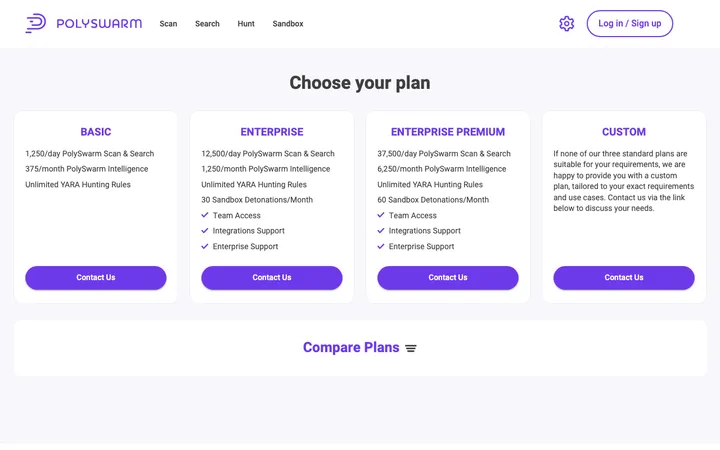
The integration is in Sekoia's catalog now. Use it with your existing PolySwarm API key, or talk to us about a plan.