PolySwarm Inside Splunk
Enrich the indicators already in your Splunk data with multi-engine verdicts, detonate URLs in a cloud sandbox, and read it all from three dashboards. For Splunk Enterprise and Splunk Cloud.
What the App Does
Enrichment
polyswarmsearch adds a PolyScore, a banded verdict, a detection count and a permalink to your events. Answers are cached, so enriching the same indicator again costs no API quota.
Extraction
polyswarmextract finds indicators in any text field, refangs and types them. It runs entirely inside Splunk, with no API key and no network request.
Attribution
Optionally adds the malware families on file, PolySwarm's tags and the actor they name, so a verdict comes with context.
Sandbox Detonation
polyswarmdetonate sends a URL to the sandbox and the app writes the findings back. The Detonate alert action does the same from a scheduled or correlation search.
Three Dashboards
Overview for the account and cache, Triage for the engine-by-engine detail behind one verdict, and Sandbox Tasks for every detonation. Opening them spends no API quota.
Ready for AI Agents
Three saved searches an AI agent can call by name through Splunk's MCP server: Indicator Lookup, Indicator Lookup with Attribution and Quota Remaining. They ship disabled, so nothing runs until an administrator enables them.
Opt-In Threat Intel Feed
A scheduled pull writes PolySwarm artifacts into an index you choose, filtered by malware family, tag and a PolyScore floor, one event per artifact. It ships disabled, and every run is capped.
Workflow Actions
From a hash field in any event, enrich it, enrich it with attribution, open it in the PolySwarm portal or open it in Triage.
Matching Correlation Search
PolySwarm Indicator Match compares file hashes in your own events with the feed and returns the verdict, PolyScore, detections, families and report link with each match. It reads indexed events only and spends no API quota. It ships disabled until you point it at your indexes.
See It in Splunk
Screens from the PolySwarm app. Select any image to see it full size.
How Teams Use It
Alert Triage
Enrich the hashes and URLs in a notable event and put confirmed malware at the top of the queue.
Phishing Investigation
Extract the defanged links from a reported email, enrich them, and detonate the unknown ones without leaving Splunk.
Automated Detonation
Attach the Detonate alert action to a correlation search so suspicious URLs are sandboxed as they arrive, under a hard cap.
Feed Matching
Turn on the threat intel pull, point Indicator Match at your indexes, and get an alert when a hash in your events shows up in the PolySwarm feed.
Get Started in Minutes
Install
Install PolySwarm from Splunkbase, or from Apps in Splunk Cloud
Add Your Key
Paste your PolySwarm API key on the app's setup page
Enrich
Run polyswarmsearch on any field, or open the dashboards
What Gets Sent to PolySwarm
Only the file hash, URL, domain or IP address being looked up is sent, plus the URL itself when you detonate one. The app never sends a file or a whole event, and your API key is kept in Splunk's encrypted credential storage.
Bring PolySwarm Into Splunk
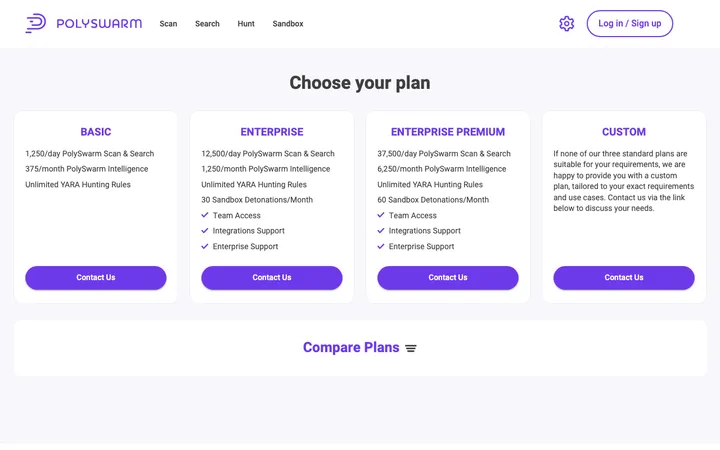
Free on Splunkbase. Use it with your existing PolySwarm API key, or talk to us about a plan.